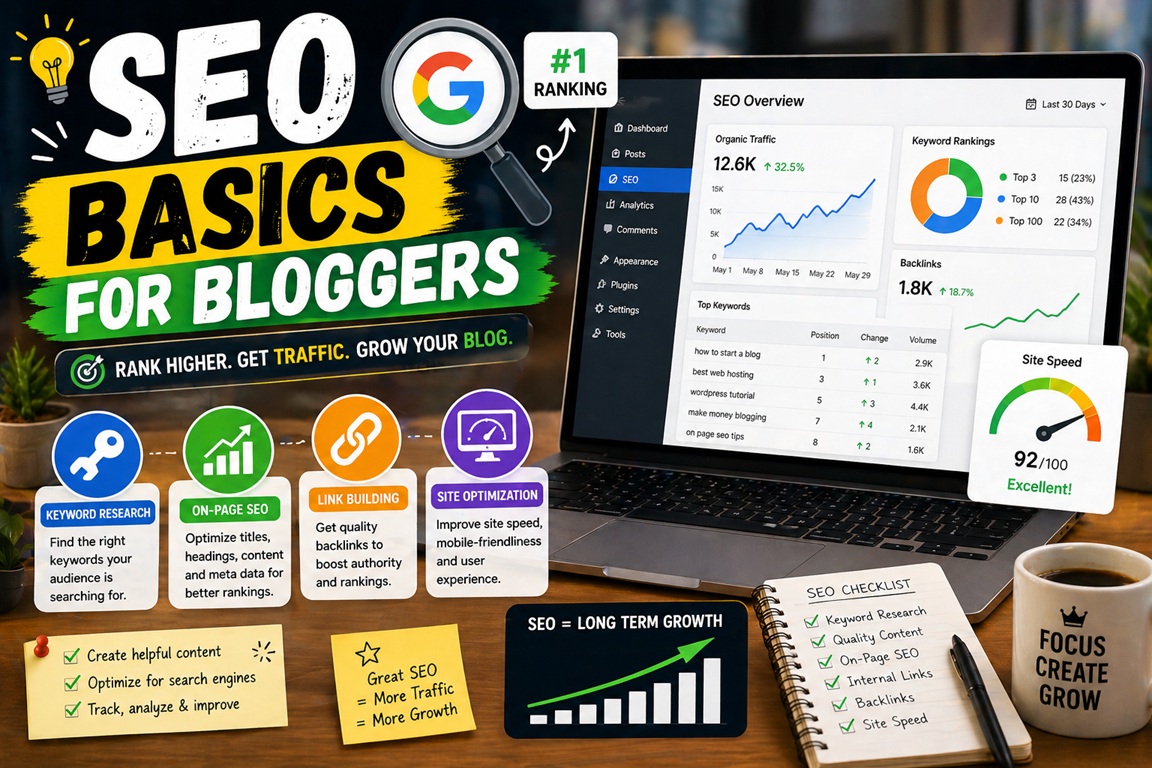
If you want people to find your blog through Google, you need SEO.
SEO helps your blog appear in search results when users search for topics related to your content.
Without SEO, even great articles may never get traffic.
The good news?
👉 SEO is not as complicated as it sounds.
In this guide, you’ll learn the SEO basics for bloggers, how search engines work, and the most important SEO practices beginners should follow.
🚀 What Is SEO?
SEO stands for Search Engine Optimization.
It is the process of improving your website and blog posts to rank higher in search engines like Google.
SEO helps your blog get:
- Free organic traffic
- Better visibility
- More clicks
- Long-term growth
⚡ Why SEO Matters for Bloggers
SEO is important because it brings visitors without paying for ads.
Benefits include:
✔ Consistent traffic
✔ Higher authority
✔ Better affiliate earnings
✔ Long-term results
Blog posts optimized for SEO can generate traffic for months or years.
🧠 How Search Engines Work
Search engines follow a simple process.
1. Crawling
Search engines scan websites.
2. Indexing
Pages are stored in a database.
3. Ranking
Pages are ranked based on relevance and quality.
🔥 SEO Basics Every Blogger Should Know
⚡ 1. Keyword Research
Keywords are search terms users type into Google.
Example:
“best hosting for beginners”
Why Keywords Matter
Keywords help search engines understand your content.
Keyword Research Tools
Popular tools include:
⚡ 2. Use Keywords Naturally
Place keywords in:
- Title
- URL
- Headings
- Introduction
- Meta description
Avoid keyword stuffing.
Example
Bad:
“Best hosting best hosting best hosting”
Good:
“Best hosting for beginners in 2026”
⚡ 3. Write SEO-Friendly Titles
Titles strongly affect rankings.
Good SEO Title Formula
Keyword + Benefit
Example:
“How to Start a Blog in 2026 (Beginner Guide)”
⚡ 4. Optimize URLs
Short URLs perform better.
Good URL Example
yourdomain.com/seo-basics-for-bloggers
Bad URL Example
yourdomain.com/post123?id=445
⚡ 5. Use Proper Headings
Headings organize content.
Use:
- H1 → Main title
- H2 → Sections
- H3 → Subsections
⚡ 6. Improve Content Quality
Google prefers useful content.
Write articles that:
✔ Solve problems
✔ Answer questions
✔ Provide clear explanations
⚡ 7. Optimize Images
Large images slow websites.
SEO Tips
- Compress images
- Add alt text
- Use descriptive filenames
Helpful Image Tools
⚡ 8. Improve Website Speed
Speed affects SEO.
Slow sites lose rankings.
👉 Read: Why Is My Website Slow?
Improve Speed With:
- Better hosting
- CDN
- Cache plugin
Popular CDN Provider
👉 Read: Is a CDN Worth It in 2026?
⚡ 9. Build Internal Links
Internal links connect your content.
Example:
Link blog posts to related articles.
Benefits
✔ Better crawling
✔ Longer session time
✔ SEO authority flow
⚡ 10. Mobile Optimization
Most users browse on mobile.
Google uses mobile-first indexing.
Check Mobile Friendliness
Use:
- Google Mobile-Friendly Test
⚡ 11. Use Meta Descriptions
Meta descriptions increase clicks.
Good Meta Description Example
“Learn SEO basics for bloggers and improve rankings with beginner-friendly optimization tips.”
⚡ 12. Add Schema Markup
Schema helps search engines understand content.
Common schema:
- FAQ
- Article
- Review
📈 Important SEO Ranking Factors
Google ranks pages based on:
- Content quality
- Keywords
- Backlinks
- Speed
- User experience
- Mobile optimization
📊 On-Page SEO Checklist
| SEO Element | Importance |
|---|---|
| Keyword Research | High |
| Title Optimization | High |
| Internal Links | High |
| Speed | High |
| Image SEO | Medium |
🚀 Best SEO Plugins for Bloggers
Popular WordPress plugins:
⚠️ Common SEO Mistakes Bloggers Make
Avoid:
❌ Keyword stuffing
❌ Thin content
❌ Duplicate content
❌ Slow hosting
❌ Poor internal linking
🧠 SEO Strategy for New Bloggers
Follow this simple process.
Step 1:
Research keyword.
Step 2:
Write useful content.
Step 3:
Optimize title.
Step 4:
Add internal links.
Step 5:
Improve speed.
❓ Frequently Asked Questions
What is SEO in blogging?
SEO helps blogs rank on search engines.
Is SEO important for blogs?
Yes, SEO drives free traffic.
How long does SEO take?
Usually several months.
Can beginners learn SEO?
Yes, basic SEO is beginner-friendly.
🎯 Final Verdict
SEO helps blogs grow organically.
Even simple SEO improvements can increase traffic.
Focus on:
✔ Keywords
✔ Content quality
✔ Speed
✔ Internal links
🏁 Final Thought
SEO is not a one-time task.
It’s an ongoing strategy.
Start with basics.
Improve over time.